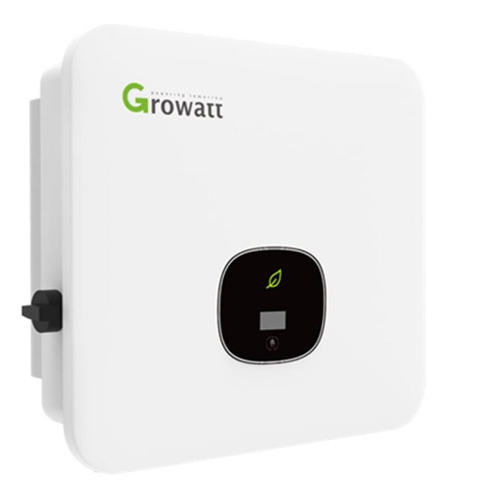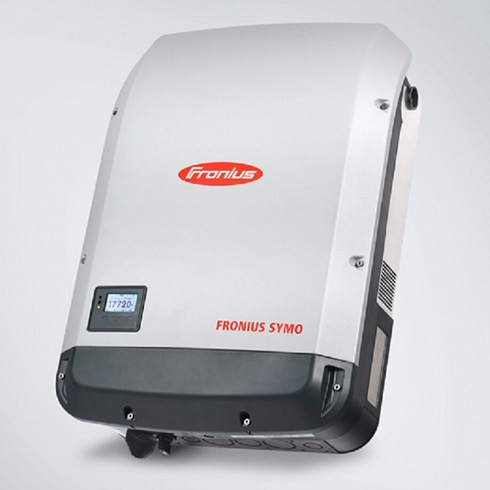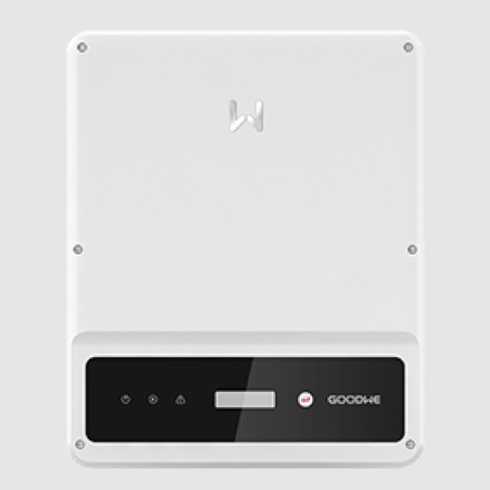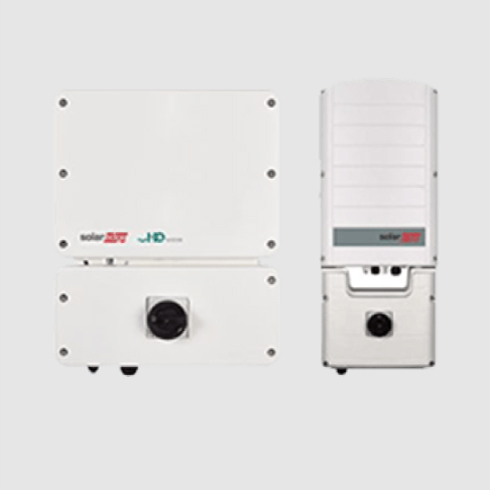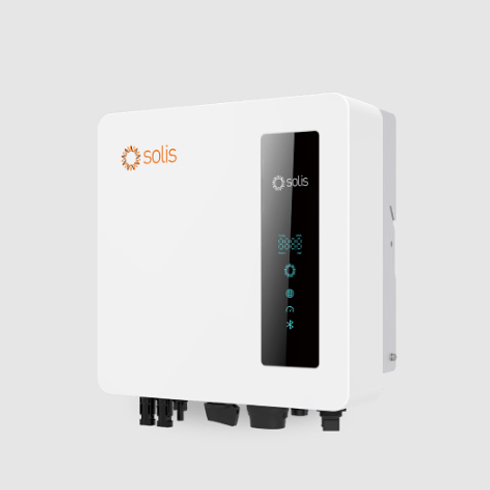

Ensure a robust WiFi connection at the inverter location. Your WiFi network should operate on the 2.4 gHz frequency. Use a WiFi-capable inverter or a suitable accessory for WiFi connectivity. Avoid hotspotting for internet connection, as it only provides intermittent updates. Opt for a stable WiFi or wired LAN connection if WiFi doesn’t reach your inverter.
Customers often need our help to connect their inverters to the monitoring platform for various reasons, such as:
We understand that setting up your inverter’s WiFi connection can be frustrating, and we’re here to help. Follow the instructions provided for your specific inverter brand (linked above), and watch manufacturer videos for additional guidance. If you still encounter difficulties, you may need a technician’s assistance. Please note that monitoring is the customer’s responsibility and isn’t covered under warranty. If we need to send a technician to your site, there will be a charge, and we’ll schedule it when we’re in your local area next.